
Educaplay for business
Training games for your courses, your team and your customers
Educaplay is gamification software for training. It turns any lesson into a game: a quiz, a crossword, a video quiz and 18 more types. Run it inside your LMS or share a link, and see who completed it and what they got wrong.
Inside your LMS or with a link · Flat price, not per learner
Take our Spanish placement test and get 10% off the Commercial plan A real Educaplay game, set up the way a language academy would: fill out a short form, answer five questions and get the course that fits your level.
Gamification software for training at a glance
Google Classroom, Canvas and Moodle, with scores sent to the gradebook.
Download any game as a SCORM package for your own platform.
Share a link or a QR code and still know who played.
Reports show each person's score, time and answers.
Review, move on or a recommended course, depending on the result.
A form before the game and a result for each level.
Your logo, colors and font on every game.
Create them with Ray or from ChatGPT, Claude or Gemini.
One price, with no limit on players.
What are training games?
Training games are short games that turn course content into practice: a learner answers, sees how they did and gets a score. It's gamified training, also called eLearning gamification.
Learners answer questions instead of reading them.
Show the right answer after each question, or only the final score. You choose.
You see who finished and what they missed.

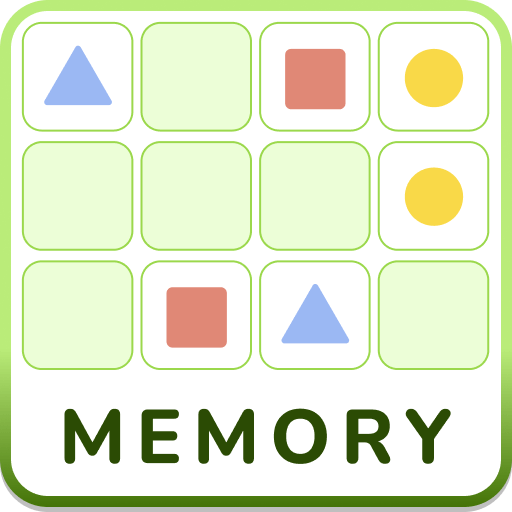
Every Educaplay game is built around questions and answers. It was made for classrooms, which is why it fits a course so easily.
For academies, companies and customer education
Course providers and academies
Add games to your online courses and bring in new students with a placement test.
See games for your coursesCompanies training their employees
Onboarding, product knowledge and required training, with every person identified.
See employee trainingCustomers, patients and your audience
Explain a product or a treatment with a game anyone can play from a link.
See how sharing worksLMS gamification: eLearning games inside Google Classroom, Canvas and more
Add games to the courses you already run and raise learner engagement. Learners play inside your platform and their score goes to the gradebook.
Google Classroom
Post a game as an assignment without leaving Educaplay.
LTI for Canvas, Moodle and more
Connect any platform that supports LTI. Scores go to the gradebook.
SCORM
Download a game as a SCORM package and upload it to any LMS.
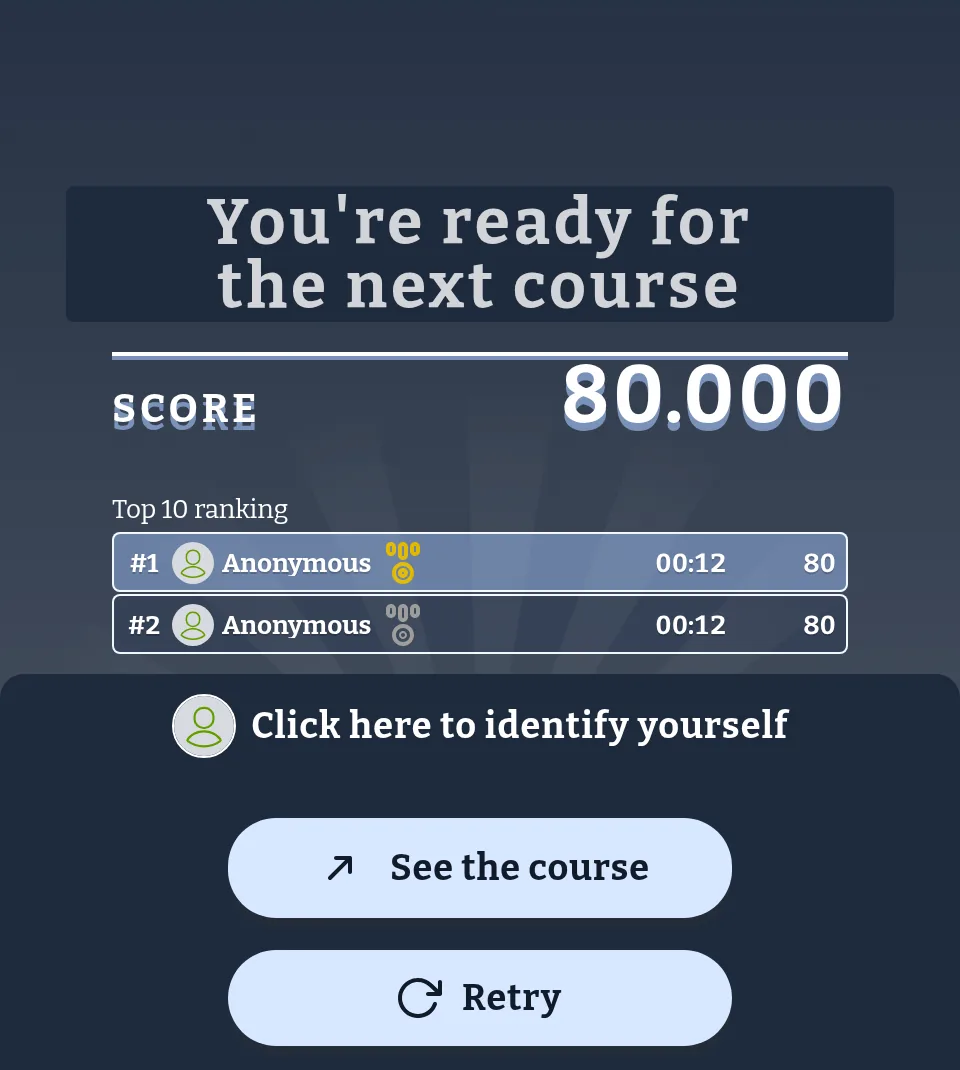
A different next step for each score
Choose what each learner sees at the end in each of the three score ranges: a message, a link and, if you want, a code. For example:
Placement tests that bring you new students
Put a placement test on your website. A visitor fills out a form, takes the test and sees the course that fits. You get the lead and their score. Language academies use it as a language placement test, and it works for any other subject.
A form before the test
Name, email and your own fields, with a consent checkbox.
A result for each level
Beginner, intermediate or advanced, each with its own message and link.
Leads you can export
Download every contact with their score to Excel or Google Sheets.
Employee onboarding, product knowledge and refresher training
Use the same games to train your own team. Each person is identified, so you know who completed the course.
Onboarding
Onboarding gamification: the course every new hire takes, one game per topic.
Product knowledge training
Products, prices and processes for sales and retail teams.
Required training
Safety and compliance, with a record of who completed it.
A gas station chain has trained its staff with Video Quizzes since 2022.
A fashion retailer ran its yearly refresher training with nine games.
Source: Educaplay usage data, November 2026.
Planning a one-week campaign instead? See employee engagement games
Track every learner: who completed it and what they missed
By name, with a personal code or with a form.
Score, time and every answer, by player and by game.
Export to Excel or Google Sheets, or pull results through the API.
| Name | Game | Score | Completed |
|---|---|---|---|
| Priya K. | Welcome quiz | 100 | Nov 3 |
| Marcus L. | Welcome quiz | 90 | Nov 3 |
| Jane S. | Safety basics | 80 | Nov 4 |
| Tom B. | Safety basics | 70 | Nov 5 |
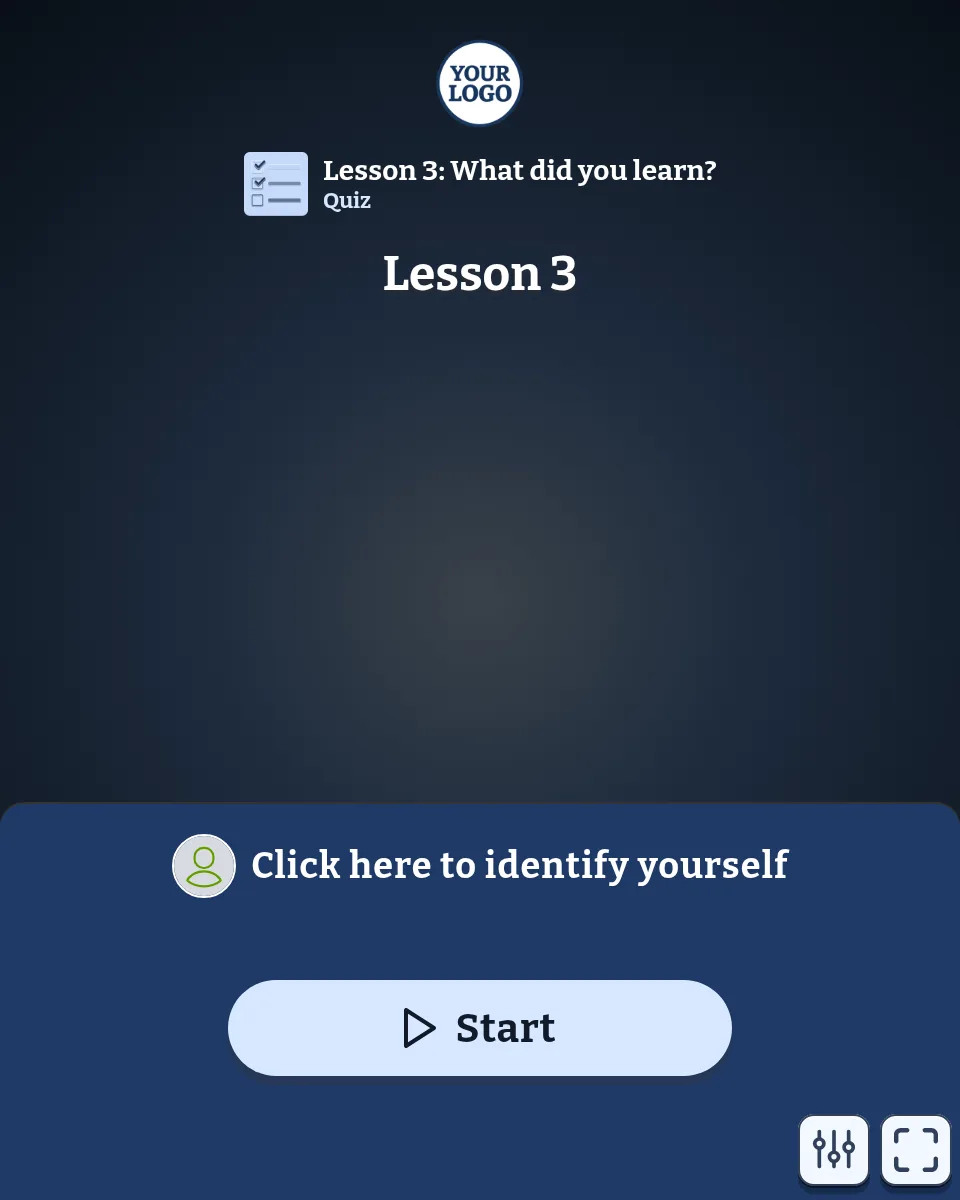
Your logo, colors and font on every game
No ads and no Educaplay logo. Set up your brand once and every course goes out with it.
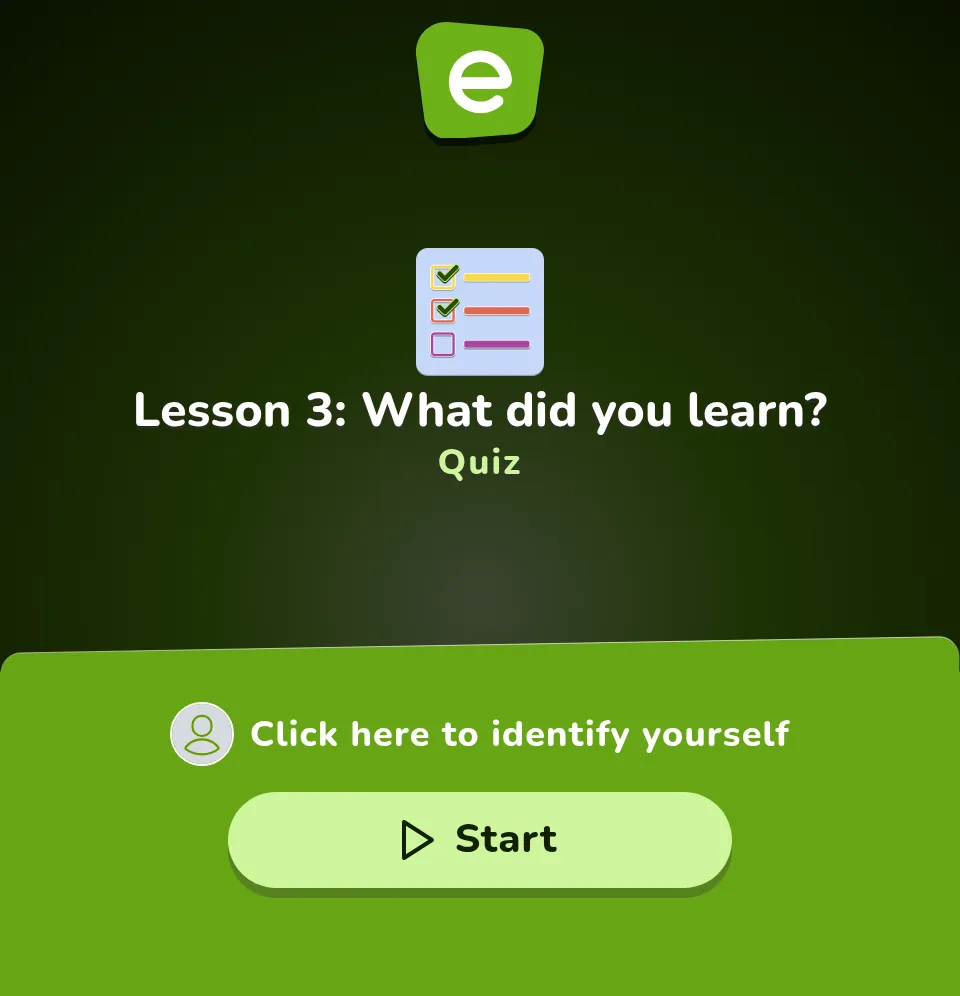
How to create a training game, step by step
Pick the lesson
Choose one topic and what learners need to remember.
Create the game
Write the questions yourself, ask Ray, Educaplay's AI assistant, to draft them, or create the game from ChatGPT, Claude or Gemini.
Choose how learners are identified
By name, with a personal code, with a form or through your LMS.
Set the ending
One message for everyone, or a different next step for each score.
Share it
Add it to your LMS, send the link or embed it on your website.
Check the results
Open Reports to see who completed it and which questions they missed.
Video quizzes, quizzes and 19 more game types
Every Educaplay game type works inside your LMS and with a link. These are the ones training teams use most.
Video Quiz
Questions that pop up during your training video.
Quiz
Check what learners remember after each lesson.
Froggy Jumps
A quiz inside an arcade-style game, for quick refreshers.
Fill in the Blanks
Procedures and definitions with the key words missing.
Crossword Puzzle
Clues that lead to the terms learners need to know.
Memory
Pairs of products, terms or steps.
Pricing: One flat price, not per learner
No plan limits how many learners play. Choose yours by the features you need.
Courses and training, with your branding
- Your logo, colors and font on every game.
- A placement test with a form that brings you leads.
- A different next step for each score.
- Five years of history for every learner.
Includes everything in the Academic and Advanced plans.
Unlimited LMS integrations, SCORM downloads and every learner's answers.
$9.50 a month, billed annuallyAd-free games and three months of results.
$4.75 a month, billed annuallyMore than one instructor creating games? Add creators to any plan and work on the same courses from one shared account. The price per creator drops as you add more.
Frequently asked questions
Is Educaplay only for schools?
No. Educaplay started as a tool for teachers and is used in schools every day. Academies, training providers and companies use the same games: one gas station chain has trained 6,878 employees with them since 2022.
Which LMS platforms does Educaplay work with?
Google Classroom, Canvas, Moodle and any other platform that supports LTI. You can also download games as SCORM packages. LMS integrations are unlimited from the Academic plan.
Is Educaplay an LMS?
No. Educaplay is where you create the games. It works with the LMS you already have, or without one: a link or a QR code is enough. Learners enter their name or a personal code, and you see who completed each game in Reports.
Can I see each learner's answers?
Yes, from the Academic plan. Reports show every player's score, time and answers, and you can export them to Excel or Google Sheets.
Where are SCORM results saved?
In the LMS where you upload the package. To keep results in Educaplay Reports, share the game with a link.
Where can I use a placement test?
On your website or anywhere you share a link. The form works on games shared with a link or embedded on a page. It doesn't appear inside an LMS, where the platform already knows who the learner is.
Is Educaplay priced per learner?
No. You never pay per learner: every plan has one flat price and no limit on players. The price only changes if you want several people creating games at the same time.
Can several instructors create games?
Yes, with a Team Plan. You choose how many creators you need, and that many people can work in Educaplay at the same time. Share one account to work on the same courses, or give each person their own. The price per creator drops as you add more.
What learner data does Educaplay store?
Only what you ask for. A name is enough to play. With the Commercial plan's form, you choose the fields, your organization is named as the data controller and Educaplay acts as the processor.
How much does Educaplay cost?
The Commercial plan is $47.50 a month, the Academic plan $9.50 and the Advanced plan $4.75, all billed annually. The price is the same for 10 learners or 10,000.
Can I pay month to month?
Yes. The Commercial plan is available month to month for $95. A yearly plan costs the same as six individual months.
More from Educaplay for businessMarketing gamesEmployee engagement games
Need something we don't have yet?
Tell us. A training company asked to send the games it creates with its AI assistant to Google Classroom. A week later it was available to everyone.