
Educaplay for business
Employee engagement games for internal communications
Educaplay is an employee engagement tool that turns a safety week, a company anniversary or a holiday party into a trivia game your whole team plays. Share a link or a QR code: employees enter their name and play, with no accounts and no LMS. You see who played and how they scored.
Flat price, not per user · No limit on players
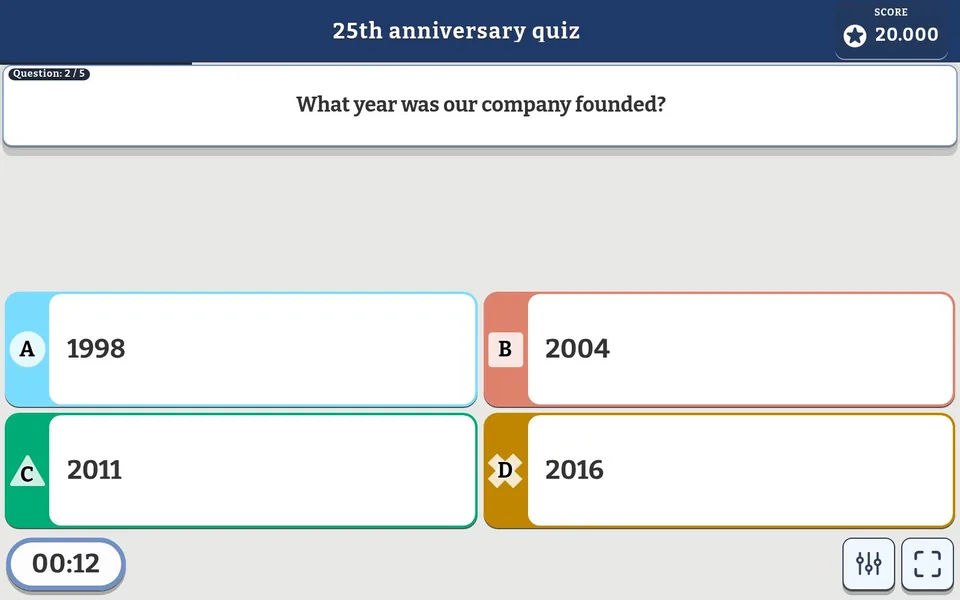
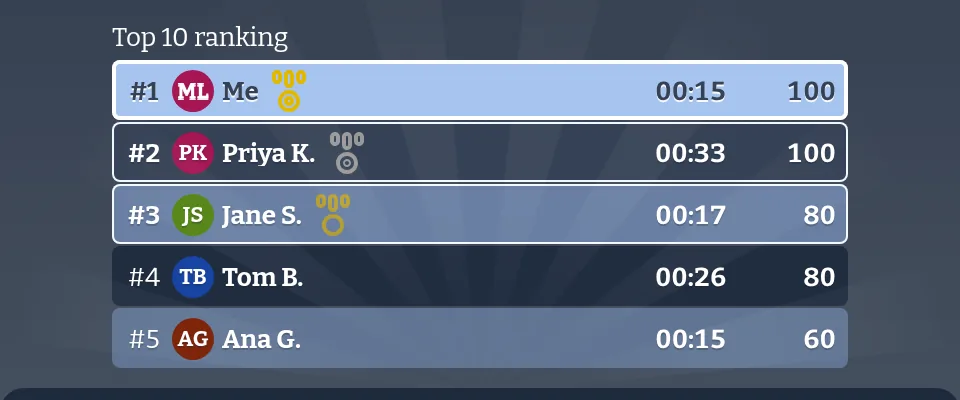
Play our office holiday trivia and win 10% off the Commercial plan A real Educaplay game, played the way your employees would play it: enter your name, answer five questions and see the Top 10.
Educaplay for internal communications at a glance
One price for the whole company, with no limit on players.
They open a link and enter their name. No email and no sign-up.
Reports show every player, with their score and their time.
Share a link or a QR code, or embed the game on your intranet.
Download games as SCORM, or connect Moodle, Canvas and others with LTI.
Shown at the end of the game. Hide it for required training.
Ask for an employee ID, a department or a location with a form before the game.
Your logo, colors and font on every game.
Trivia quiz, crossword, word search, memory, video quiz and more.
What are employee engagement games?
Employee engagement games are short games a company shares with its own employees to mark a date, get a message across or check what people know. It's one of the simplest employee engagement tools. This is gamification for employee engagement, in practice.
Short enough to play during a break.
Nothing to install.
They enter it, play and see how they did.

Educaplay makes knowledge and skill games: trivia quizzes, crosswords, word searches, memory games and 17 more types. It started as a tool for teachers, which is why the games are quick to create and easy to play on any device.
Trivia games for work, on any screen
A trivia game is the easiest campaign to run. Write five questions about your company, your safety rules or your year, share the link and let people play at their desks, on their phones or together on a big screen.
It works for office trivia at a holiday party, team trivia at an all-hands meeting and virtual trivia for remote and hybrid teams. Frontline employees without a company email can join by scanning a QR code.
An internal campaign in one week, with a single game
An internal campaign doesn't need a course or a platform. Most of the ones companies run on Educaplay are a single game, shared with a single link and played in a single week.
In campaigns tied to a date, 88% of the plays happen in the campaign's best week. One company marked its anniversary with a single quiz: 153 employees played it 485 times in five days.
Game ideas for every date on your company calendar
Employee engagement activities are easier to plan around a date. Here are eight.
Workplace safety games for Safety Week
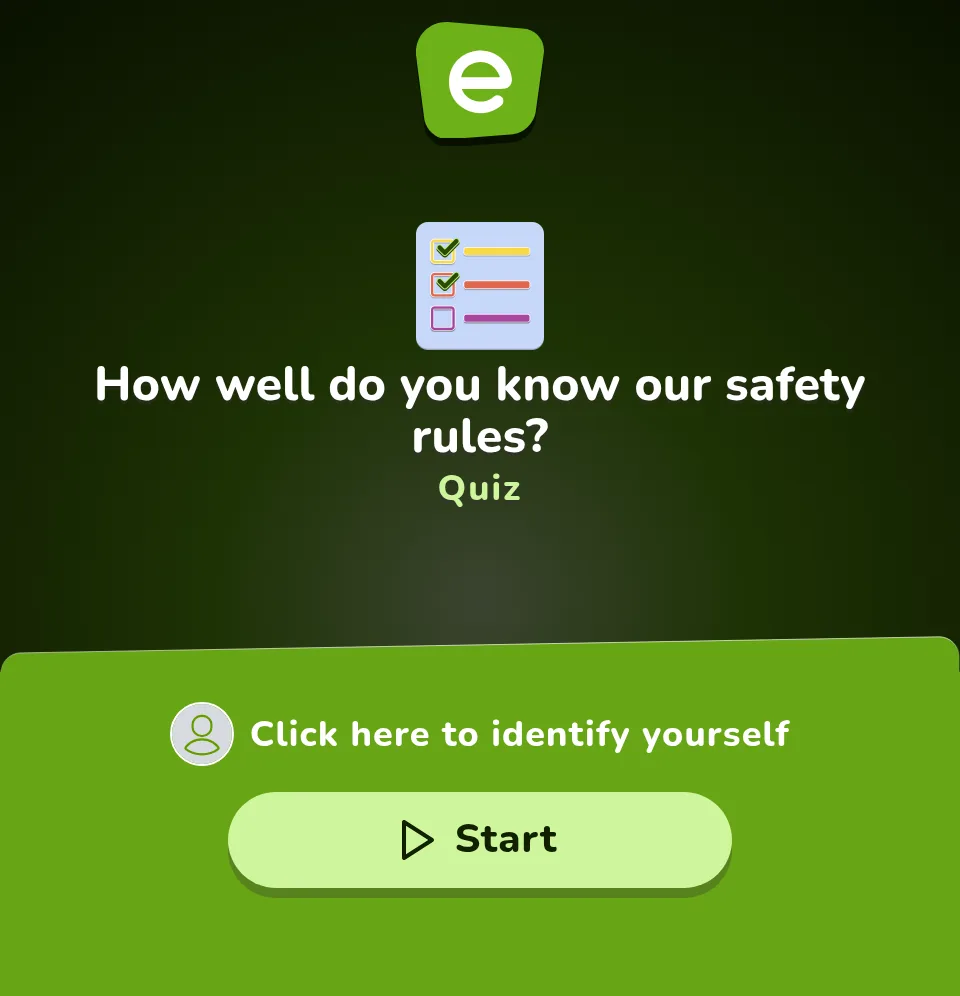
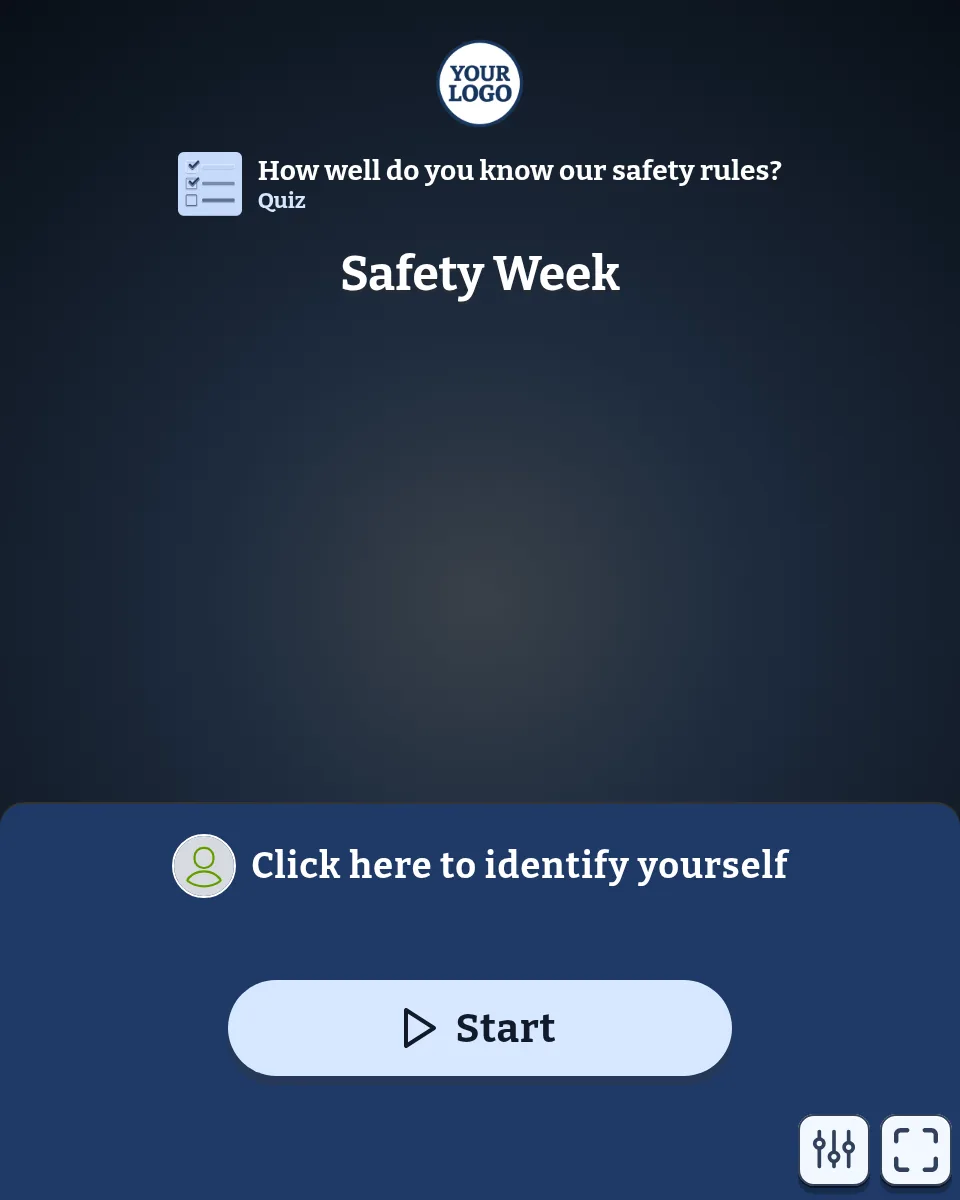
Turn your safety rules into a safety quiz or a crossword. Post the QR code around the workplace, share the link and see who completed it. Show the Top 10 at the closing meeting.
Cybersecurity Awareness Month activities
One short game a week through October: spot the phishing email, pick the strong password, match each threat with the right response.
Compliance and ethics week
Check that everyone has read the code of conduct. Require players to enter their name and hide the leaderboard, so it stays a check and not a contest.
Company anniversary and values
A quiz about your history, a memory game with your milestones or a word search with your values. One game is enough.
Holiday party games for work
The easiest office Christmas game is a trivia game about the company's year. Share the link before the office party, or play it as a virtual holiday party game with remote teams, and announce the winners.
All-hands meetings, conferences and sales kickoffs
Open the session with a game on the big screen, or close it with one about what was presented. Everyone plays on their own phone.
Wellness weeks and awareness days
Mark a wellness week or International Women's Day with a few questions that start a conversation.
Employee Appreciation Day ideas
A lighthearted game about your teams and the year's wins, with a prize for the top of the leaderboard.
Know who played, without creating accounts
You don't need to create an account for anyone. Choose how players are identified:
- They enter their name before playing. You can make it required.
- They enter a personal code you give each employee, with no email and no sign-up.
- They fill out a form with your own fields: employee ID, department, location.
Reports show every player with their score, their time and their answers. Export everything to Excel or Google Sheets, or pull it through the API.
| Name | Department | Score | Time |
|---|---|---|---|
| Priya K. | Warehouse | 100 | 1:42 |
| Marcus L. | Maintenance | 90 | 2:05 |
| Jane S. | Front office | 80 | 1:58 |
| Tom B. | Warehouse | 70 | 2:31 |
No LMS needed: share a link or a QR code
A campaign reaches the whole company with one link. Send it by email or chat, post the QR code in the break room and on the shop floor, or embed the game on your intranet. Employees play on their own phone or computer, with nothing to install, whether they work on-site, remotely or on the front line.
If you already have a training platform, Educaplay works with it too: connect Moodle, Canvas, Microsoft Teams or Google Classroom, or download the game as a SCORM package.
Workplace gamification: Friendly competition with a Top 10
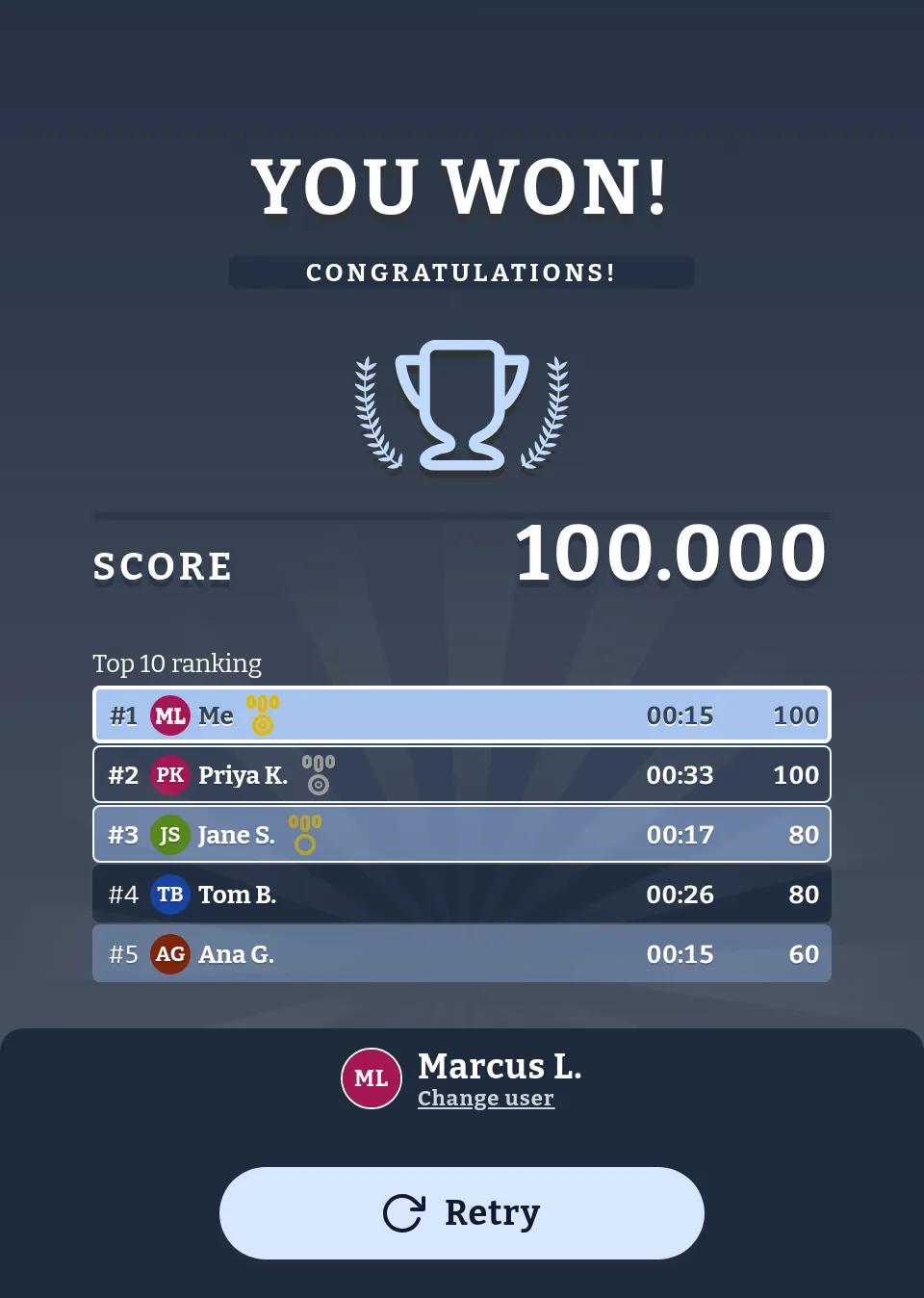
Every game ends with a Top 10 leaderboard. Put it on a screen at your event to get people playing, and let them try again to beat their score. For required training, turn off the leaderboard and the Retry button in the game's settings.
Employee training games: products, processes and compliance
The same games work for training. Some companies keep them running all year: product knowledge for retail teams, refreshers on a process, compliance training where every player is identified. A campaign is often the first step.
Your company's branding on every game
Your logo, colors and font appear on every game, with no ads and no Educaplay logo. Set up your brand once and every new campaign goes out with it. The start screen is yours too: open the game with the campaign image or a video message from your CEO.
How to run an internal campaign, step by step
Pick the date and the message
Choose the occasion and the three or four things you want people to remember.
Create the game
Write the questions yourself, ask Ray, Educaplay's AI assistant, to draft them, or create the game from ChatGPT, Claude or Gemini.
Decide how players are identified
By name, with a personal code or with a form that has your own fields.
Share it
Send the link, post the QR code or embed the game on your intranet.
Show the Top 10
Put the leaderboard on a screen during the week, or hide it.
See who played
Open Reports to see who played and how they scored, and export the results.
Game types for your internal campaigns
Every Educaplay game type works with a link, a QR code and a Top 10. These are the ones companies use most with their employees.
Quiz
Questions about your safety rules, your values or your year. The classic trivia game for work.
Crossword Puzzle
Clues that lead to the words you want people to remember.
Word Search Puzzle
Your values, your products or your locations hidden in a grid.
Memory
Pairs of your products, your locations or your milestones.
Video Quiz
Questions that pop up during your safety video or your CEO's message.
Jigsaw Puzzle
Your campaign image, in pieces.
Which plan do your campaigns need?
Set up your brand once and every new campaign of the year goes out with it.
All your campaigns, with your company's branding
- Your logo, colors and font on every game.
- Your own start screen and a different ending for each score.
- A form with your own fields: employee ID, department, location.
- Five years of history, to compare each edition with the last.
Includes everything in the Academic and Advanced plans.
Results in your own system: in your LMS, in Excel or through the API.
$9.50 a month, billed annuallyAd-free games, for your employees only.
$4.75 a month, billed annuallyMore than one person creating games? Add creators to any plan and work on the same campaigns from one shared account. The price per creator drops as you add more.
Frequently asked questions
Is Educaplay only for education?
No. Educaplay started as a tool for teachers and is used in schools every day. Companies use the same games with their own employees: in one anniversary campaign, 153 employees played 485 times in five days.
Is Educaplay priced per user?
No. You never pay per employee who plays: every plan has one flat price and no limit on players. The price only changes if you want several people creating games at the same time.
Can several people on my team create games?
Yes, with a Team Plan. You choose how many creators you need, and that many people can work in Educaplay at the same time. Share one account to work on the same campaigns, or give each person their own. The price per creator drops as you add more.
Do employees need an account?
No. They open the link, enter their name and play. You can also give each employee a personal code, with no email and no sign-up.
Can remote and frontline employees play?
Yes. Anyone with the link or the QR code can play from a phone or a computer, with nothing to install.
Do I need an LMS?
No. A link or a QR code is enough. If you have an LMS, you can connect it with LTI or download the games as SCORM.
What employee data does Educaplay store?
Only what you ask for. A name is enough to play. With the Commercial plan's form, you choose the fields, your company is named as the data controller and Educaplay acts as the processor.
Can I hide the leaderboard?
Yes. You can hide the Top 10, the correct answers and the Retry button in each game.
Can I pay for just one month for a single campaign?
Yes. The Commercial plan is available month to month for $95. A yearly plan costs the same as six individual months, and covers every date on your calendar.
Can I use any Educaplay plan at my company?
Yes. Every plan can be used at a company. The Commercial plan is the one that puts your company's branding on the games.
More from Educaplay for businessMarketing gamesTraining games
Need something we don't have yet?
Tell us. A customer asked for dropdown fields in the form and they were live a few days later.