
Educaplay for business
Marketing games with your brand that capture leads
Educaplay lets your company turn a quiz, a crossword, a word search or a memory game into a marketing campaign. Each game shows your logo, colors and font. A built-in form collects leads before anyone plays.
$47.50 a month billed annually · No limit on players or leads
Pass this holiday quiz and win 10% off the Commercial plan A real Educaplay game: start screen, a short form and an ending that changes with your score.
Educaplay for marketing at a glance
Your logo, colors and font on every game. No ads and no Educaplay logo.
Built into the game and shown before it starts. Up to 10 fields, as text boxes or dropdown menus.
Your company is named as the data controller, with your own legal notice and consent checkboxes.
A different message, reward code and link for each score range.
Quiz, word search, crossword, memory, jigsaw puzzle and more.
Share a link or a QR code, or embed the game on your website.
Export them to Excel or Google Sheets, with their scores and marketing opt-in.
API access for your CRM and unique codes per player. Contact us and we'll set them up.
$47.50 a month billed annually, or $95 month to month. No limit on players or leads.
What are marketing games?
Marketing games, also called advergames or promotional games, are short branded games that a company uses to get attention, collect contact details and reward the people who take part. A visitor plays for a minute or two, enters their details to play, and gets something at the end. Using games this way is known as gamified marketing, or marketing gamification.
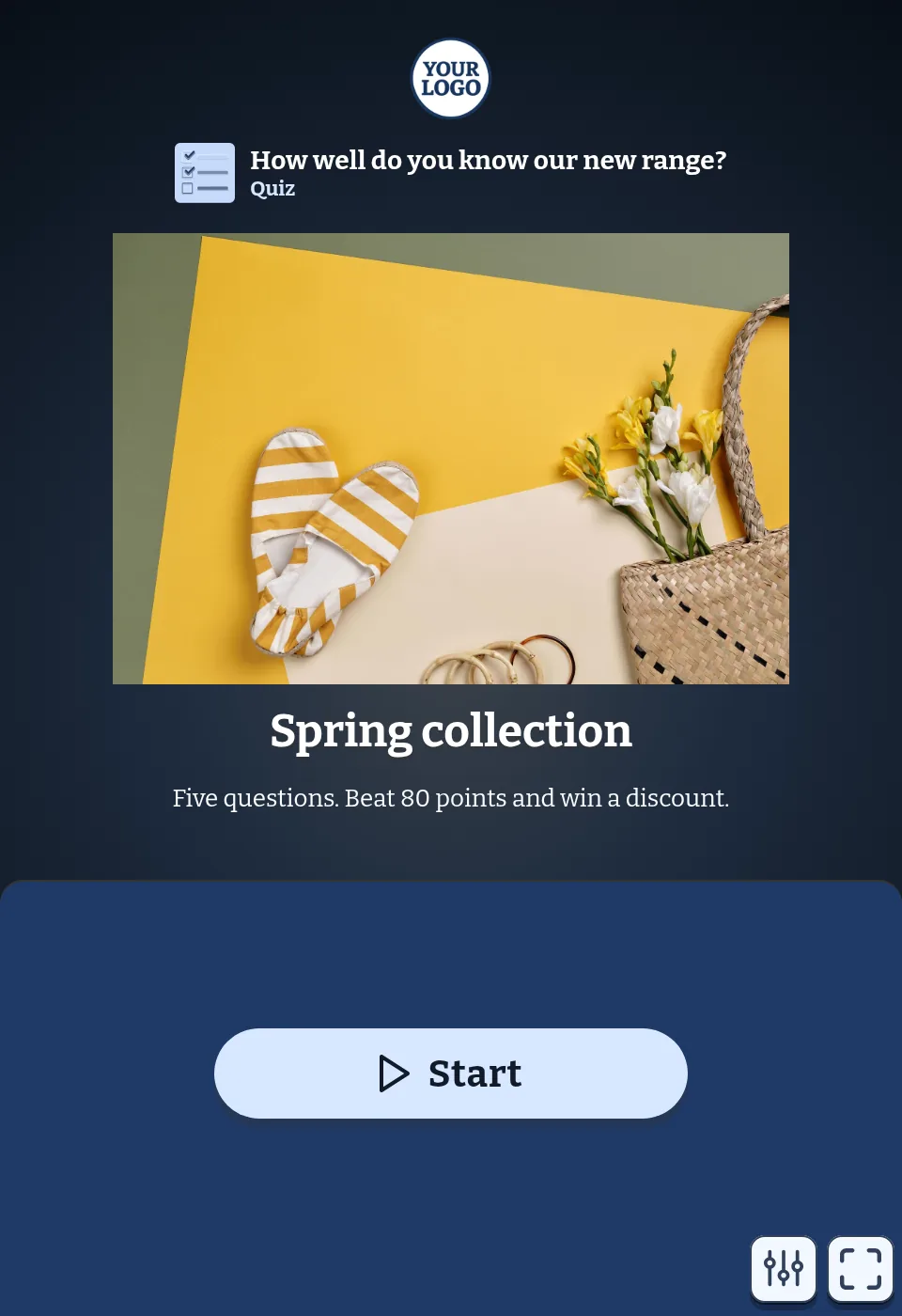
1Your start screen
Image, video or audio, title, description and link
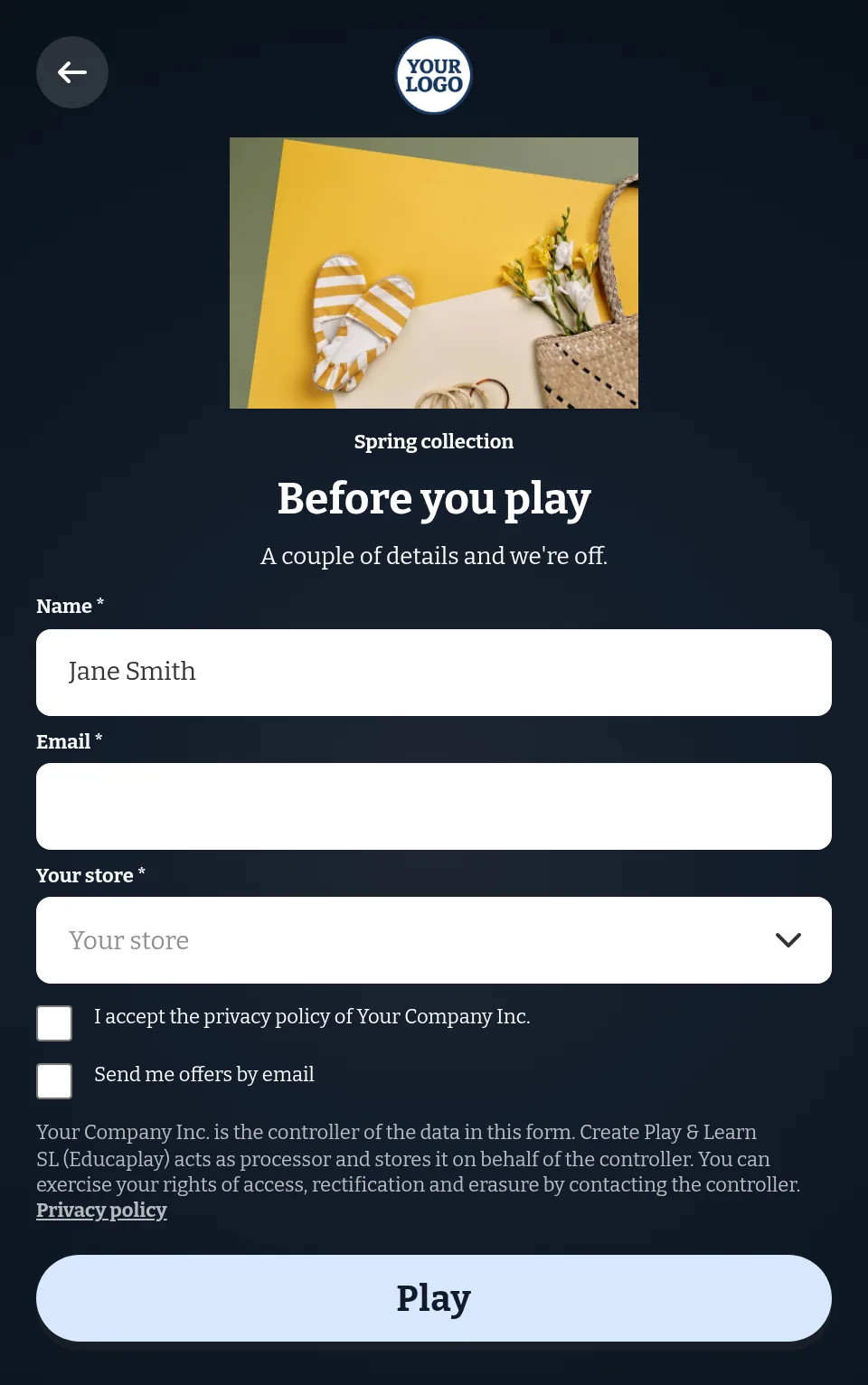
2Your lead form
Up to 10 fields and your consent checkboxes
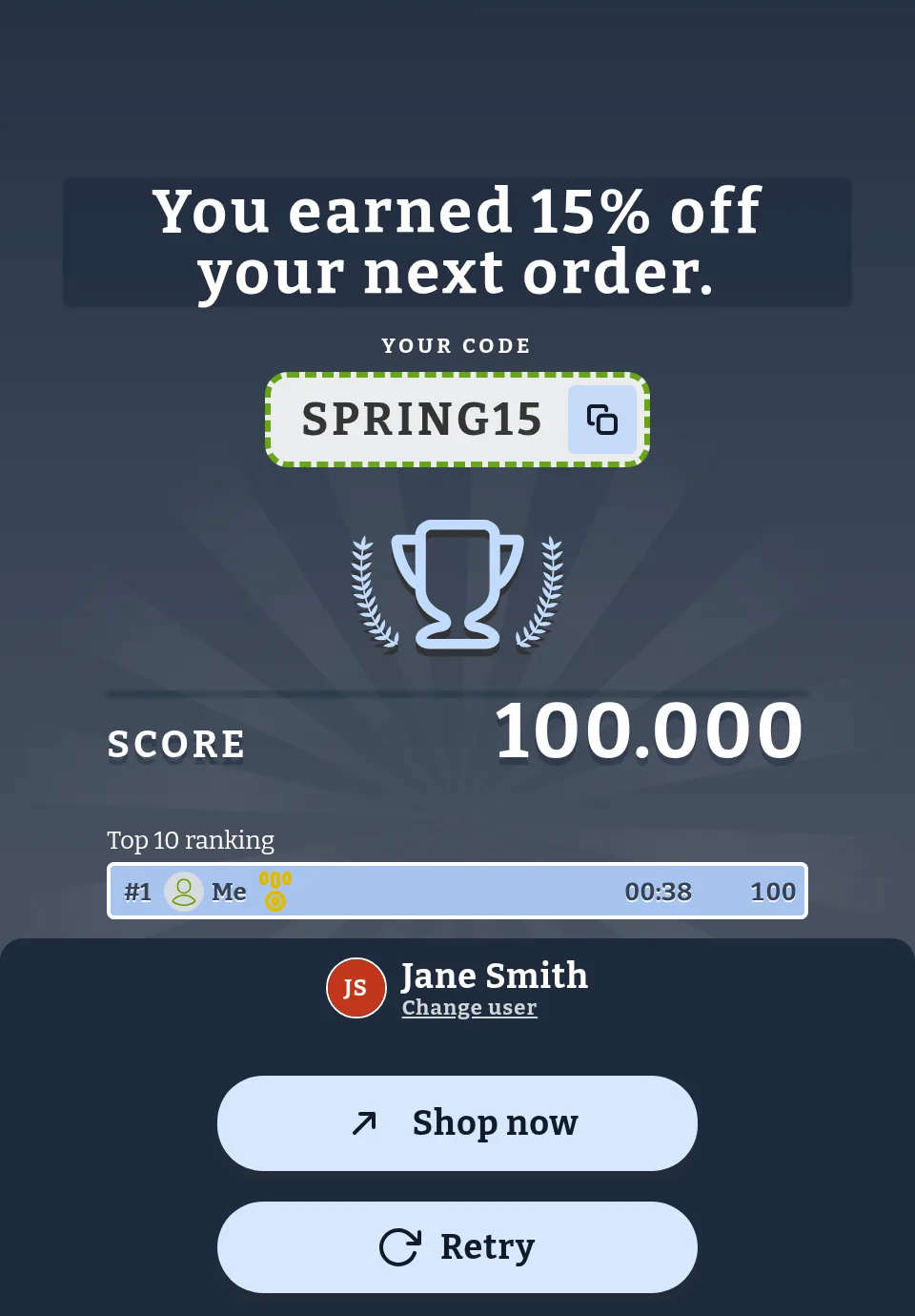
3Your ending
Message, reward code and link by score
Educaplay makes knowledge and skill games, so the result depends on the player, not on luck. We don't have prize wheels or scratch cards yet: if you need one, tell us and we'll build it. Educaplay began as a tool for teachers, and that's why the games are quick to create and easy to play on any device.
Branded games: your colors, your font and your logo
Inside the game, players see your brand, not ours. Your logo, colors and font appear on the start screen, the form and the ending. There are no ads and no Educaplay logo.
Set up your brand once in Customize games and it applies to all your games at once. Pick a main color and Educaplay builds the rest of the palette from it. Choose from more than 50 fonts or upload your own.
One thing doesn't change: the game link and the QR code use an educaplay.com address. If you embed the game on your website, players never leave your page.
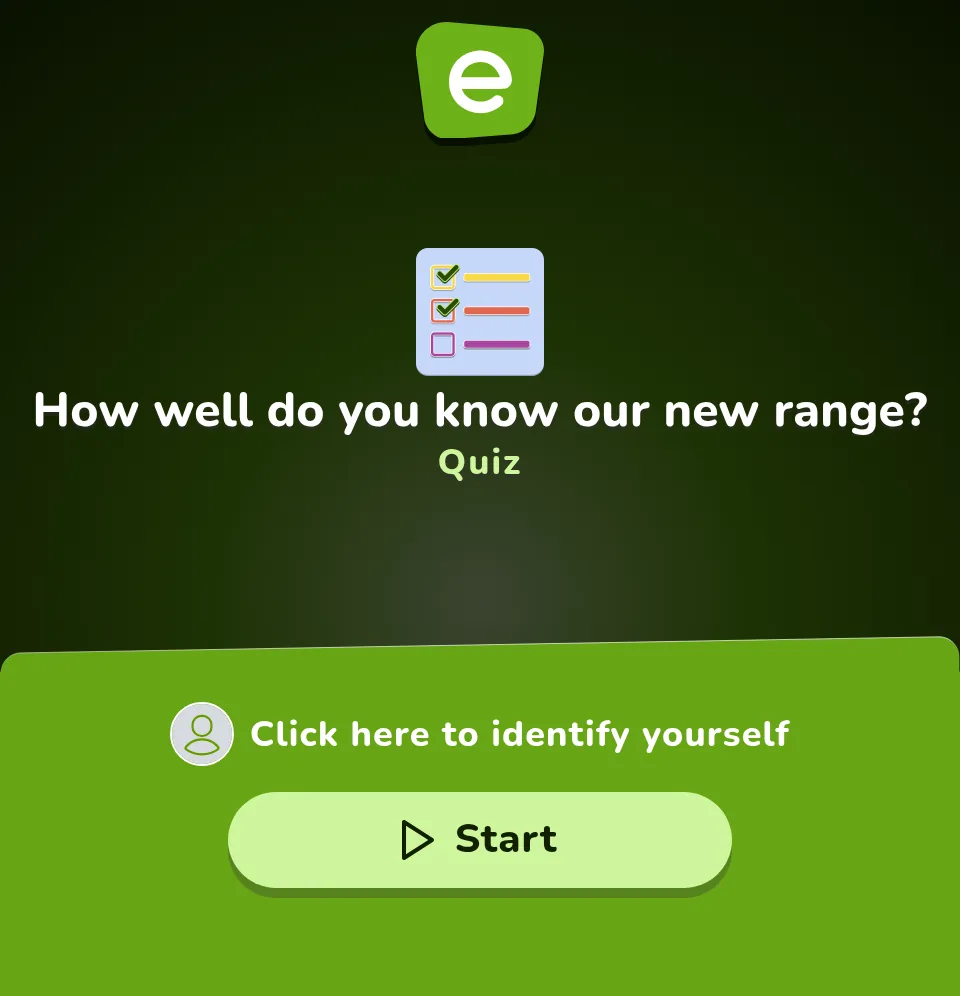
Capture leads with a form before the game
Educaplay has a lead capture form built into the game. You don't need a separate landing page or a form tool. The player sees the form after your start screen and fills it out to play. Every game becomes a lead generation tool, and a quiz with a score-based ending works as a quiz funnel.
- Up to 10 fields per form.
- Ready-made fields for name, email and phone.
- Your own fields, as a text box or a dropdown with up to 20 options.
- An optional checkbox for marketing emails.
Every form a player submits becomes a contact in your Reports, under Collected data. The same person playing two of your games counts as one contact, matched by email.
Your leads are yours: GDPR and data
The leads you collect with Educaplay belong to your company. The form names your company as the data controller. Educaplay (Create Play & Learn SL, based in Spain) acts as the data processor and stores the data on your behalf.
Your legal notice
Add your own text and a link to your privacy policy.
Required consent
No one can play without accepting your terms.
Marketing opt-in
A separate, optional checkbox. Your export shows who opted in.
No limit on leads
Collect as many as your campaign brings in.
Educaplay does not contact your leads or use them for its own marketing. If you cancel the Commercial plan, your leads aren't deleted, but you can't view or export them until you subscribe again. Educaplay keeps each contact for five years after their last submission.
A different ending for each score: message, reward code and link
The end of the game is where a player becomes a customer. The score falls into three ranges, and you give each range its own ending.
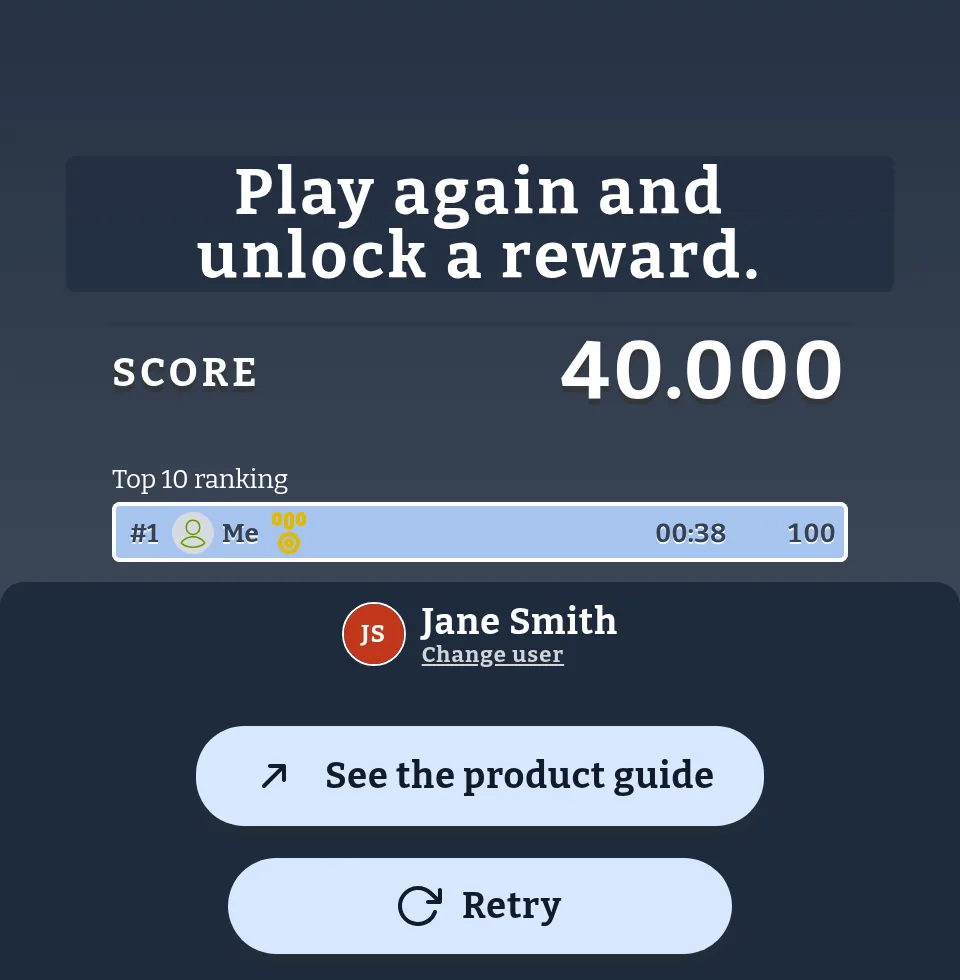
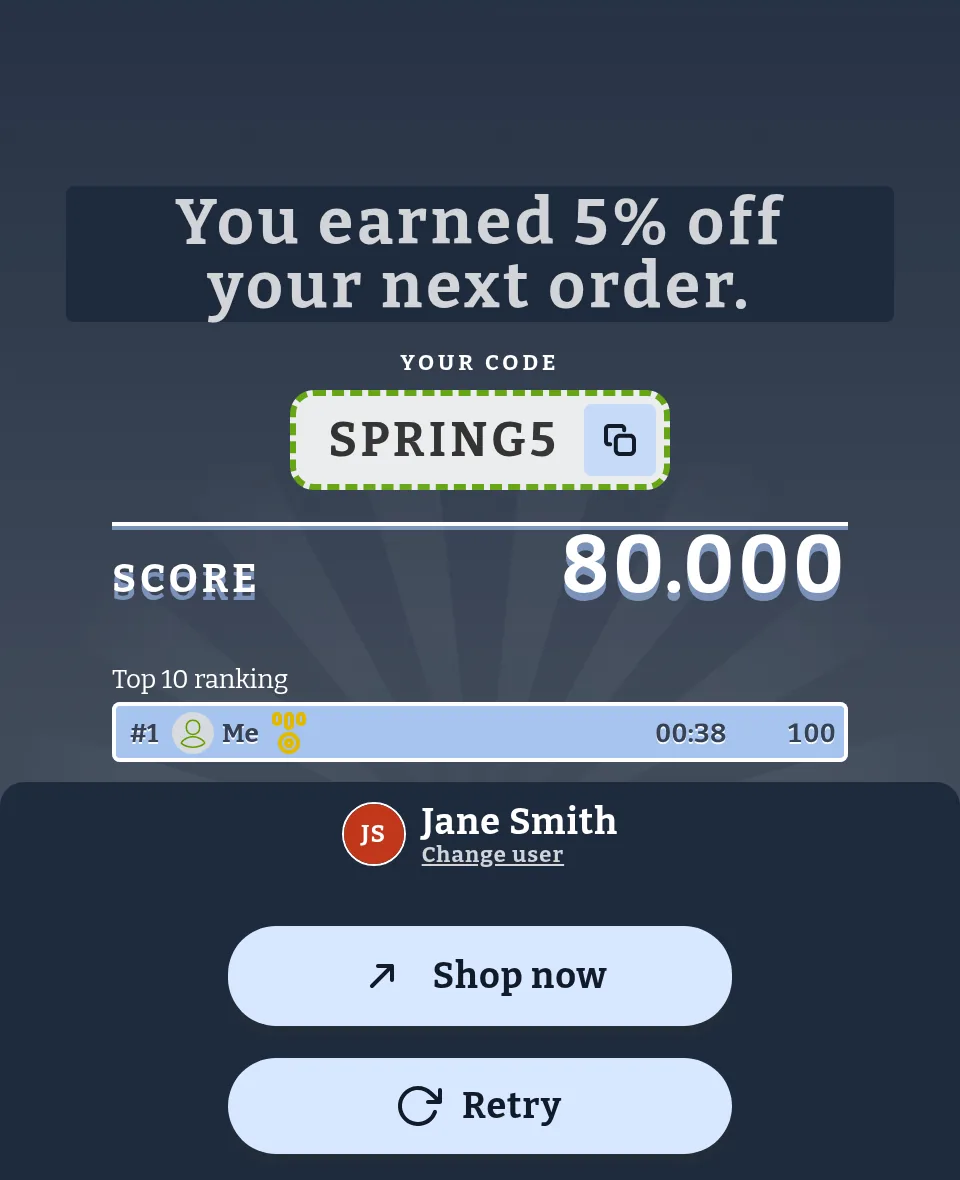
Every player in the same range gets the same code. If you need a unique coupon code for each player, contact us and we'll set it up for you. You can also show a Top 10 leaderboard at the end, or hide it, along with the Retry button and the answer review.
Send your leads to your CRM
Get your leads out of Educaplay in the format your team already uses. The file has one row per contact: the date, every field in your form, the games they played and whether they opted in to marketing emails. Their scores are in the same file.
| Date | Name | Your store | Score | Marketing | |
|---|---|---|---|---|---|
| Dec 2 | Jane S. | jane@example.com | Downtown | 90 | Yes |
| Dec 2 | Marcus L. | marcus@example.com | Online | 70 | No |
| Dec 3 | Priya K. | priya@example.com | Airport | 100 | Yes |
| Dec 3 | Tom B. | tom@example.com | Downtown | 40 | Yes |
Marketing game ideas for trade shows, events and campaigns
Trade show games for your booth
Put a QR code on your booth and let visitors play on their own phones. A QR code game needs no hardware, which makes it one of the easiest booth games to run. Show a Top 10 leaderboard on a screen to draw a crowd. On a shared tablet, tap Change user and the next visitor starts fresh.
Product launch games
Turn the features of a new product into a quiz or a memory game. The ending sends each player to the right page: the store for high scorers, a product guide for the rest.
Seasonal campaign games
Run a Christmas crossword, a Black Friday word search or a summer quiz with a discount that gets bigger with the score. Reuse it next year by changing the questions.
Games for your audience
Add a weekly game about your industry to your newsletter, your blog or your social media. It gives your audience a reason to come back and gives you their permission to email them.
How to create a marketing game, step by step
Create the game
Write the questions yourself, ask Ray, Educaplay's AI assistant, to draft them, or create the game from ChatGPT, Claude or Gemini.
Add your brand
In Customize games, upload your logo and choose your colors and font. They apply to all your games.
Set up the start screen and the form
Add an image or a video, a title and the fields you want to collect.
Set up the endings
Give each of the three score ranges a message, a reward code and a link.
Share it
Copy the link, download the QR code or embed the game on your website.
Track the results
See who played and how they scored in Reports, and export your leads.
21 game types for your campaign
Every Educaplay game type works with your brand, the lead form and the score-based ending. These are the ones companies use most for campaigns.
Quiz
Questions about your product, your industry or your brand. With the form in front, it works as a lead generation quiz.
Word Search Puzzle
Your product names or your campaign words hidden in a grid.
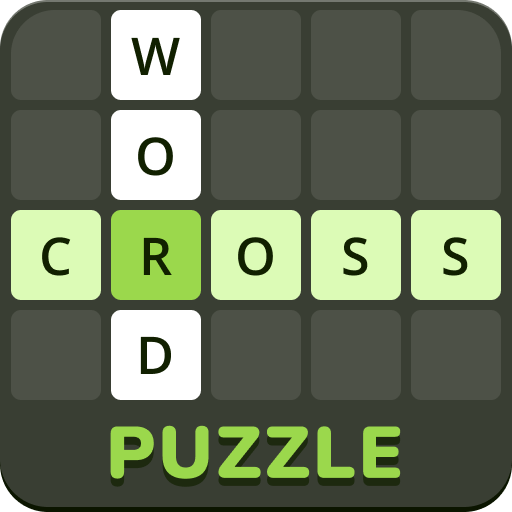
Crossword Puzzle
Clues that lead to your key messages.
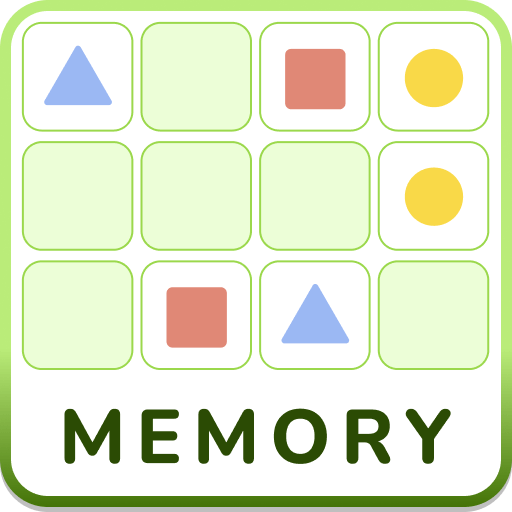
Memory
Pairs of your product images.
Jigsaw Puzzle
Your campaign image, in pieces.

Video Quiz
Questions that pop up during your own video.
Flat price, no player limit
- Unlimited players
- Unlimited leads
- Unlimited games
- The same price if your campaign goes viral
Most marketing game tools charge by volume: per lead, per view or per participant. With Educaplay you know the cost before the campaign starts. Compare Educaplay with other tools.
Frequently asked questions
Is Educaplay only for education?
No. Educaplay started as a tool for teachers and is used in schools every day. The Commercial plan is built for businesses: your brand on the games, a lead capture form, score-based rewards and your company as the data controller.
Does the game use my domain?
No. The game link and the QR code use an educaplay.com address. If you embed the game on your website, players stay on your page.
Is there a limit on players or leads?
No. The price is the same for 100 players or 100,000.
Is the lead form GDPR compliant?
The form names your company as the data controller and Educaplay as the processor. You add your own legal notice, a link to your privacy policy, a required consent checkbox and an optional one for marketing emails.
Can I pay for just one month for a single campaign?
Yes. The Commercial plan is available month to month for $95.
Can several people on my team create games?
Yes, with a Team Plan. You choose how many creators you need, and that many people can work in Educaplay at the same time. Share one account to work on the same campaigns, or give each person their own. The price per creator drops as you add more, and players are never counted.
Can I connect Educaplay to my CRM?
You can export your leads to Excel or Google Sheets at any time. API access is available on request: contact us and we'll activate it.
Does Educaplay have prize wheels or scratch cards?
Not yet. Today every Educaplay game is a knowledge or skill game, and the reward depends on the score. If you need a prize wheel or a scratch card, tell us and we'll build it.
What happens to my leads if I cancel?
They aren't deleted, but you can't view or export them until you subscribe again. Educaplay keeps each contact for five years after their last submission.
More from Educaplay for businessEmployee engagement gamesTraining games
Need something we don't have yet?
Tell us. An agency asked to show a Top 10 at the end of each game for a live event. It's now built into every game.